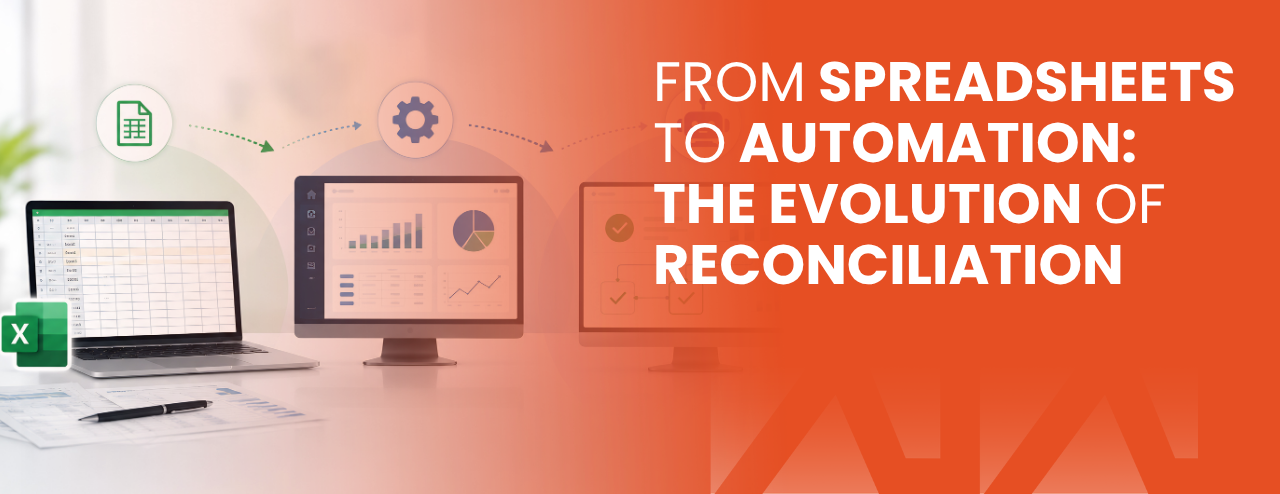
For years, reconciliation in banks and payment companies has lived inside spreadsheets: CSV exports, copy-paste, VLOOKUPs, filters, and late-night manual checks to ensure “the numbers match.” It worked until transaction volumes exploded, payment channels multiplied, and expectations moved from “end-of-day” to “near real-time.”
Reconciliation has evolved from a back-office routine into a core operational control. This blog walks through that evolution: why spreadsheets became the default, where they fail, and what modern automated reconciliation looks like in practice.
What reconciliation really is (and why it exists)
At its simplest, reconciliation answers one question:
Do different systems agree about the same transaction?
In payments and banking, a single customer payment may touch multiple systems: channel/switch, core banking, wallet ledger, settlement/nostro, fee engine, merchant ledger, and reporting. Reconciliation verifies that:
- the transaction exists where it should,
- the amounts and fees align,
- statuses are consistent,
- exceptions are detected early,
- and audit trails are preserved.
Without strong reconciliation, operational risk becomes invisible: revenue leakage, missing settlements, unresolved disputes, and slow incident response.
Phase 1: The spreadsheet era (when it was “good enough”)
Spreadsheets became the universal reconciliation tool for three reasons:
- Availability: Everyone has Excel.
- Flexibility: Ops teams can build rules without waiting for IT.
- Low initial cost: No procurement or system build.
A typical spreadsheet reconciliation flow looks like this:
- Download reports from System A and System B (often as CSV).
- Clean columns and normalize date formats.
- Match records by reference ID, amount, date, terminal/merchant, etc.
- Mark matched vs unmatched.
- Create manual exception lists.
- Share the file by email or shared drive, then repeat tomorrow.
This approach feels simple, and for low volumes it works. But it scales poorly.
Why spreadsheets break as volume and complexity grow
1) Manual work scales linearly (and errors scale with it)
A reconciliation team that can handle 10,000 records/day in Excel cannot easily handle 200,000 records/day without more people, more files, and more mistakes. Simple slip-ups become expensive:
- wrong filters,
- shifted columns,
- formula errors,
- partial copy/paste,
- accidental overwrites,
- “final_v6.xlsx”.
2) Multi-source reconciliation becomes chaotic
Once you reconcile more than two sources (e.g., switch vs CBS vs settlement statements), spreadsheets become fragile. Each new channel adds:
- new file formats,
- new mappings,
- different reference fields,
- different posting times and cut-offs.
Soon your reconciliation becomes a maze of separate spreadsheets with inconsistent logic.
3) You can’t do real-time visibility
Spreadsheets are snapshots. Modern operations need to know now:
- What is reconciled?
- What is pending?
- What failed?
- Which branches/merchants are impacted?
- Are exceptions increasing today?
Spreadsheets can’t provide a live operational view without continuous manual refresh.
4) Weak audit and control
Financial environments require traceability:
- Who changed what?
- Who approved a write-off?
- What rule was applied?
- When was an exception resolved?
Spreadsheets are not designed for robust audit trails or approvals. If regulators, auditors, or internal risk teams ask for evidence, it becomes painful.
Phase 2: The “semi-automation” era (macros, scripts, and patchwork tools)
As pain increases, many institutions attempt incremental fixes:
- Excel macros to automate matching,
- small Python scripts to compare files,
- scheduled jobs to download reports,
- email-based exception summaries.
This is a step forward, but it creates new issues:
- logic lives in one person’s laptop,
- maintenance depends on a few individuals,
- changes are hard to test,
- different teams build different tools,
- security and access control remain weak.
In other words: you reduce manual work, but you don’t yet have a controlled, scalable reconciliation system.
Phase 3: Modern automated reconciliation (a system, not a file)
Modern reconciliation is no longer an “Excel task.” It’s a platform approach with three pillars:
1) Automated data ingestion (bring all sources into one pipeline)
Instead of manually downloading files, the system fetches data from sources automatically:
- switch files,
- CBS extracts,
- ledger statements,
- settlement/nostro statements,
- channel partner reports,
- FTP/SFTP drops,
- APIs (where available).
The goal is consistency: data arrives on time, in the right structure, without manual dependency.
2) A standardized processing layer (normalize before matching)
Different sources describe the same transaction differently. Automated reconciliation platforms typically:
- map fields into a canonical schema,
- normalize timestamps and currencies,
- handle formatting differences,
- reconcile reference IDs (or derive them),
- group split postings (fees vs principal).
This is where spreadsheet reconciliation usually spends most of its time cleaning and aligning. Automation makes it repeatable.
3) Rule-based matching + intelligent exception handling
Matching is not always a simple “same ID = match.” Real-world reconciliation needs:
- exact match rules (ID + amount + date),
- tolerance rules (fees rounding),
- split/partial match logic,
- one-to-many and many-to-one mapping (batch settlements),
- timing windows (posted later in CBS),
- fallback matching (secondary identifiers).
When a transaction doesn’t match, the system should:
- classify the exception (missing, amount mismatch, status mismatch, pending approval),
- route it to the right team,
- track its lifecycle until closure,
- keep an audit trail.
What automation changes for operations teams
Faster detection, faster resolution
Instead of discovering issues during end-of-day crunch, exceptions surface earlier. That means:
- less backlog,
- better incident response,
- fewer customer complaints.
A single source of truth for reconciliation status
Ops, finance, and management can see:
- reconciled vs unreconciled counts,
- exception trends,
- channel health,
- branch-level visibility.
Controlled workflow (approvals and accountability)
Automated systems introduce controls spreadsheets don’t have:
- maker-checker approvals,
- permissioned access,
- action logs,
- structured exception resolution.
This reduces internal risk and improves compliance posture.
Lower long-term cost
Automation reduces repetitive work. Teams shift from “manual matching” to “exception management,” which is higher-value and more sustainable.
What to watch out for when moving from spreadsheets to automation
If you’re planning the transition, these are common pitfalls:
Trying to automate chaos
If your spreadsheet logic is inconsistent across teams, you need to standardize rules before automation.
Underestimating data quality
Reconciliation exposes upstream inconsistencies. You need a plan to improve reference ID discipline and source reliability.
Ignoring exception workflows
Matching is only half the story. The real value is how you handle exceptions ownership, SLA, escalation, closure evidence.
Not involving ops early
The best systems are designed around how ops teams actually work: dashboards, filters, drill-downs, exports, approvals.
A practical path to upgrade (without big-bang risk)
A realistic migration approach:
- Start with one channel (highest volume or most painful).
- Automate ingestion + basic matching first.
- Introduce exception dashboard + workflow.
- Expand to multiple sources as the pipeline proves stable.
- Refine rules and add intelligence once the basics are reliable.
- Standardize reports and audit outputs for compliance teams.
Conclusion
Spreadsheets are a great starting point but they were never meant to be the backbone of financial controls. As transaction volumes increase and payment ecosystems become more interconnected, reconciliation must evolve into an automated, auditable, and operationally visible system. The institutions that modernize reconciliation don’t just “save time.” They reduce revenue leakage, improve customer trust, strengthen compliance, and gain real control over daily transaction health.
In partnership with proven platforms like Lambda Payments, banks can streamline their integration landscape, reduce operational overhead, and deliver the fast, reliable payment experiences customers now expect. Rather than building every capability in-house or managing multiple complex integrations, a single intelligent middleware layer can modernize utility billing and payment flows—quickly, securely, and with the flexibility to scale for future requirements.